Growth UX: How design is driving business metrics
What is Growth UX? Growth UX is a branch of experien...
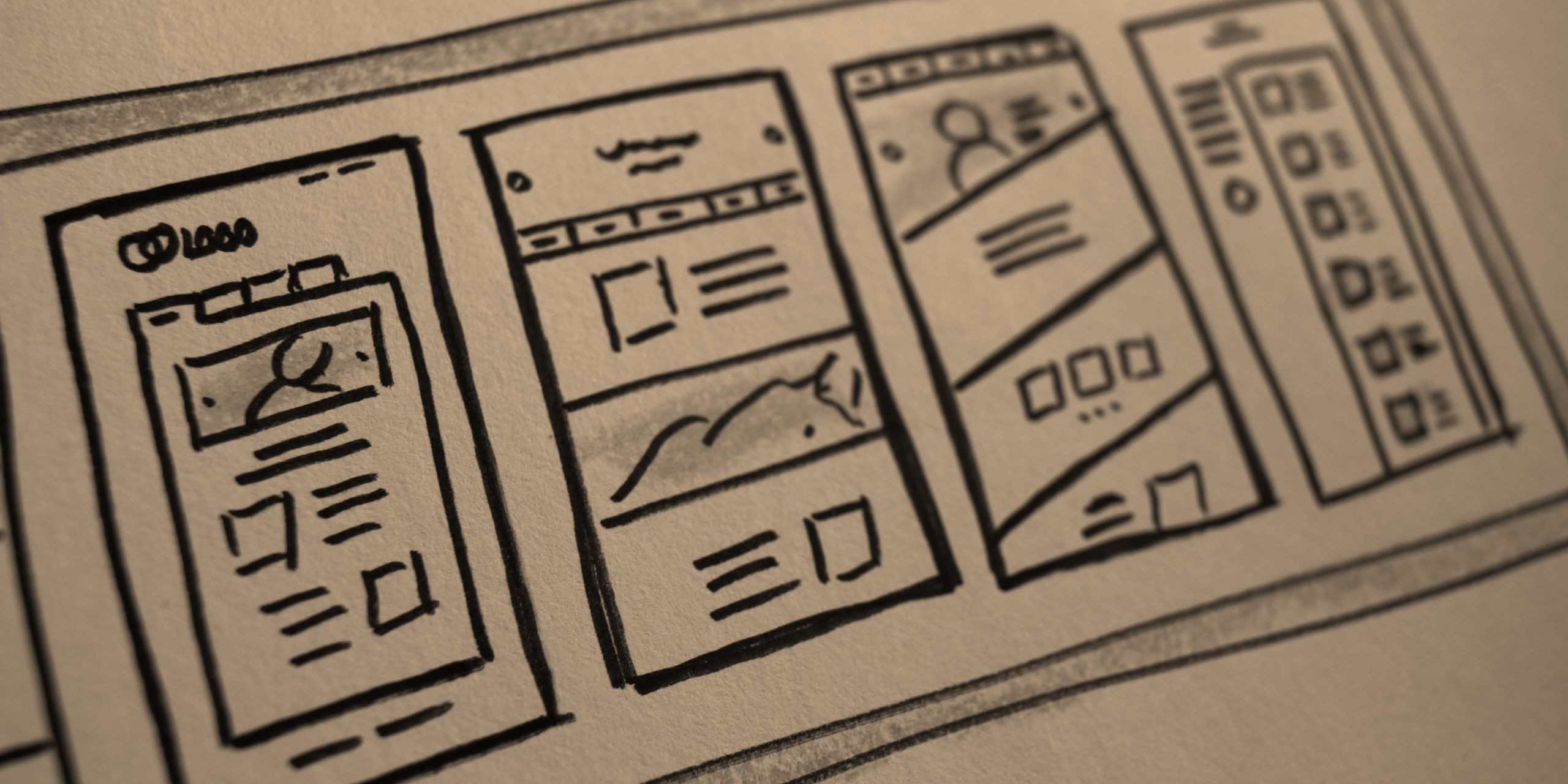
A website redesign goes far beyond a visual update. It needs to be strategic, improve user experience, and optimize your business results. If your site is outdated, slow, or not converting as it should, it might be time for a revamp. But where to start? Check out 9 essential tips to ensure your website redesign is efficient and focused on delivering the best user experience.
Before making any changes, it’s essential to have clarity about the redesign goals. Do you want to increase conversions, improve navigation, or make the site faster and more responsive? Every design and development decision should align with these goals to ensure the new version truly meets your needs and those of your users.
Using tools like Google Analytics and Hotjar can reveal visitor behavior patterns and highlight improvement points. If certain pages have high bounce rates or users abandon the purchase flow before completing an action, it’s a sign the site isn’t functioning optimally. These insights are fundamental to ensure the redesign fixes issues and offers an enhanced experience.
An intuitive website makes user navigation easier and boosts conversion rates. The redesign should consider content organization so it can be easily found. Simplified menus, a clear information hierarchy, and an intuitive interface make users feel comfortable exploring the site, quickly finding what they’re looking for without excessive effort.
Most website visits today come from mobile devices. If your site doesn’t properly adapt to different screen sizes, it can seriously harm the user experience. The redesign must ensure all interface elements are responsive, providing smooth navigation on desktops, smartphones, and tablets. Before launch, testing on various devices is essential to guarantee top performance.
Site speed directly impacts user experience and Google rankings. If a site takes too long to load, visitors may leave before interacting with the content. To ensure an efficient redesign, optimize images to reduce size without losing quality, use caching to store temporary data, and minimize unnecessary code that can overload page loading.
Digital accessibility ensures everyone can navigate your site without barriers. The redesign should consider aspects like high-contrast colors for easier reading, alternative text for images, and intuitive navigation even without using a mouse. These practices not only make the site more inclusive but also improve usability for all visitors.
Site content must be relevant, up-to-date, and clearly written so visitors quickly understand your message. During the redesign, review every section to ensure the tone aligns with your brand identity and information is conveyed objectively. Well-placed calls to action can also encourage users to interact more with the site.
Before publishing the new version, it’s crucial to test with real users to identify potential navigation issues. The redesign can be improved through A/B testing, where different page versions are compared to see which performs better. Small tweaks can make a big difference in usability and conversion.
After launch, it’s essential to track performance indicators to evaluate the redesign results. Monitoring metrics like average session duration, bounce rate, and conversion numbers helps identify continuous improvement opportunities. If something isn’t performing as expected, adjustments can be made to further optimize the user experience.
A redesign is not just about aesthetics; it’s an opportunity to enhance user experience and boost your results. With planning, testing, and constant optimization, you can transform your site into a true digital asset for your business. If you need help creating a more efficient and strategic website, Arise Design is ready to assist! Get in touch and take your digital presence to the next level.